 BIM Services
 Architectural
 Structural
 MEP
MEP Facade
 Industrial
REVIT BIM AUTOMATION USING DYNAMO
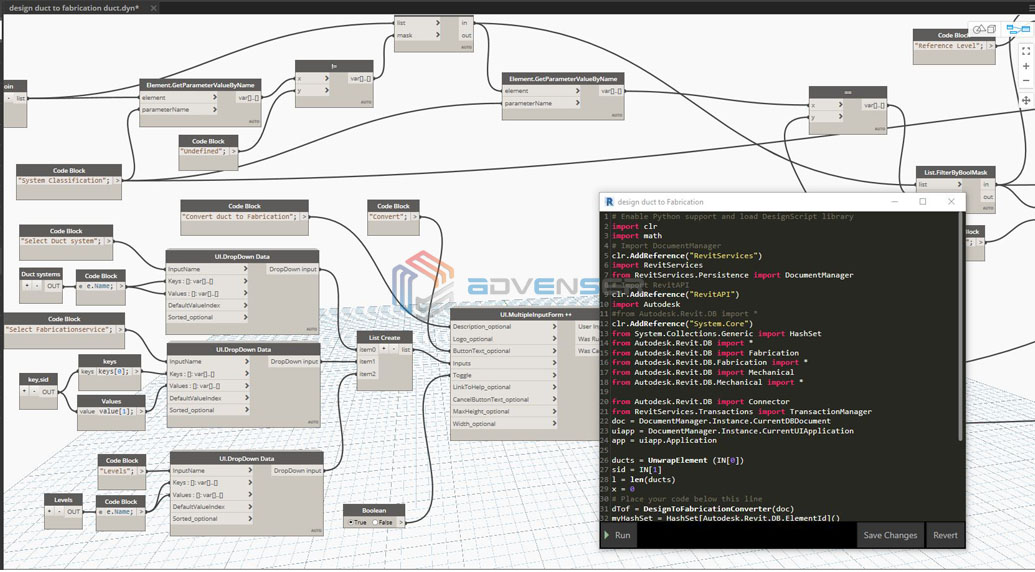
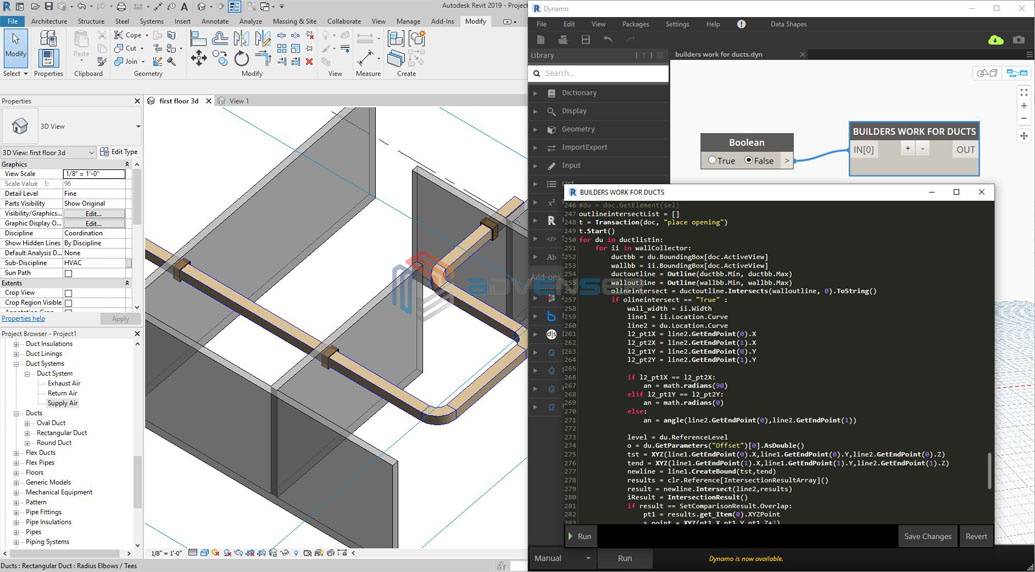
We develop dynamos to automate the repetitive tasks & to ease up the process of Revit BIM modeling. Our team of dynamo experts focuses on developing an apt dynamo tailored for our clients which facilitates increased ROI.
We help you tackle these challenges by using visual programming in the Dynamo extension to bridge everyday workflow gaps within Revit software. With an in house team of engineers with expertise in Dynamo, we automate the Revit BIM workflow to improve the turnaround time.
Here at Advenser, we primarily focus on developing dynamos using out-of-the-box nodes, but based on client demand, we are also capable of creating custom nodes that can extend the functionality of Dynamo.
Why should you be Incorporating Dynamo in your Projects?
- Write codes with a scripting interface to automate
- Easily share BIM content as a package
- Solve geometric problems with visual logic
- Automate repetitive tasks
- Easily access building data
Where do we come in?
Though dynamo has been projected as an add-on that enables its users with less or absolutely no programming background to write programs for automating the Revit BIM workflow, that’s not quite the case. One needs to have a thorough knowledge of the basics to develop a dynamo and that is something we are good at.
Our team of BIM engineers stay updated on the latest advancements that are happening in the industry and they are constantly being trained on them. This is an advantage our team possess and that makes us the one-stop solution for your dynamo requirement.
What Differentiates us?
Tailor-Made Solutions
Faster Turnaround Time
Improved ROI
Better Performance
Our Experience in Revit BIM Automation!
Here at Advenser, our team of BIM engineers are always on the lookout to find ways to improve their productivity and to find ways to ease up the BIM workflow. It is for these reasons we began incorporating dynamo for Revit automation since the last few years.
Frequently Asked Questions
How do Dynamo BIM services enhance workflow automation?
Dynamo BIM services automate repetitive tasks and processes within Revit, improving efficiency in design, modeling, and documentation. Dynamo scripts enable batch processing of tasks, reducing manual labor, minimizing errors, and increasing overall productivity.
What is included in Dynamo BIM services?
Dynamo BIM services include creating custom scripts for automating design tasks, data manipulation, model analysis, and creating parametric objects within Revit. These services help optimize project workflows and improve design accuracy.
How does Dynamo BIM integrate with Revit?
Dynamo BIM integrates with Revit by enabling visual programming through a node-based interface. This allows users to create scripts that automate tasks, modify parameters, and enhance Revit’s native functionality for more complex design processes.
When are Dynamo BIM services typically required?
Dynamo BIM services are typically required during the design and modeling phases of BIM projects to automate repetitive tasks, improve model accuracy, and streamline workflows across multiple disciplines.
Can Dynamo BIM be used for data management and reporting?
Yes. Dynamo BIM can be used to automate data extraction, manipulation, and reporting within Revit. It helps organize and manage project data, ensuring efficient documentation and reporting for stakeholders.
How does Dynamo BIM improve collaboration across disciplines?
Dynamo BIM improves collaboration by enabling the automation of coordination tasks between different disciplines, ensuring consistency across architectural, structural, and MEP systems, and reducing manual errors during the coordination process.
How customizable are Dynamo BIM scripts?
Dynamo BIM scripts are highly customizable. Users can create scripts tailored to project-specific needs, allowing for the automation of unique tasks such as parameter updates, data extraction, and system adjustments within Revit.
Can Dynamo BIM support design validation?
Yes. Dynamo BIM supports design validation by automating checks for design conflicts, dimensional consistency, and performance optimization. It allows designers to validate models against predefined rules and standards efficiently.
How long does it take to implement Dynamo BIM services?
The time required to implement Dynamo BIM services depends on project complexity, required automation level, and the number of tasks to be automated. Simple scripts may take a few days, while more complex automation could take several weeks.
How do Dynamo BIM services reduce project risks?
Dynamo BIM services reduce project risks by automating repetitive tasks, ensuring consistency, and minimizing human errors. By improving model accuracy and streamlining workflows, it reduces the likelihood of costly rework and delays during the project lifecycle.
Check our MEP Samples.